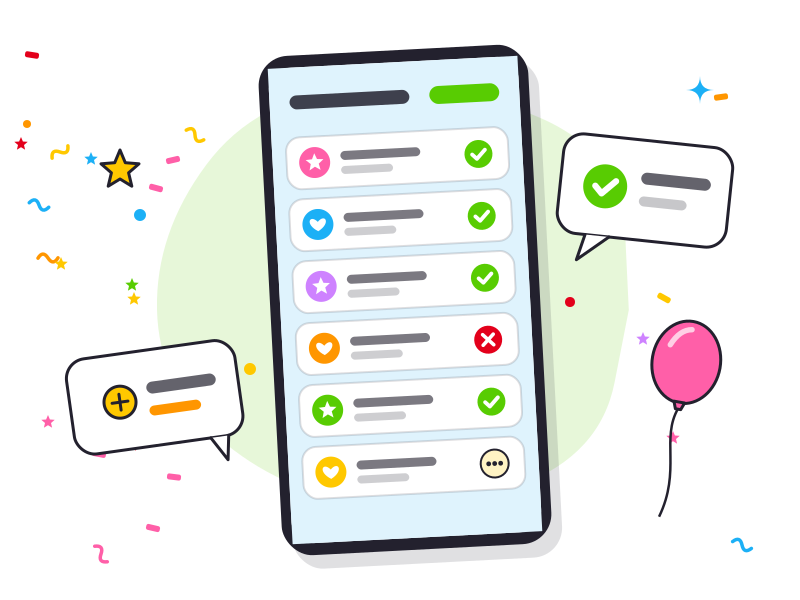
You know who’s coming
Parents reply with one tap, allergies included. You check the overview when it suits you — no messages back and forth.
Kids’ birthday parties
One invite for every friend. You see who’s coming and what they can’t eat, put the day on the clock and give one gift together — no chasing, no spreadsheet.
Put the day on the clock, with a checklist from weeks before to clearing up.
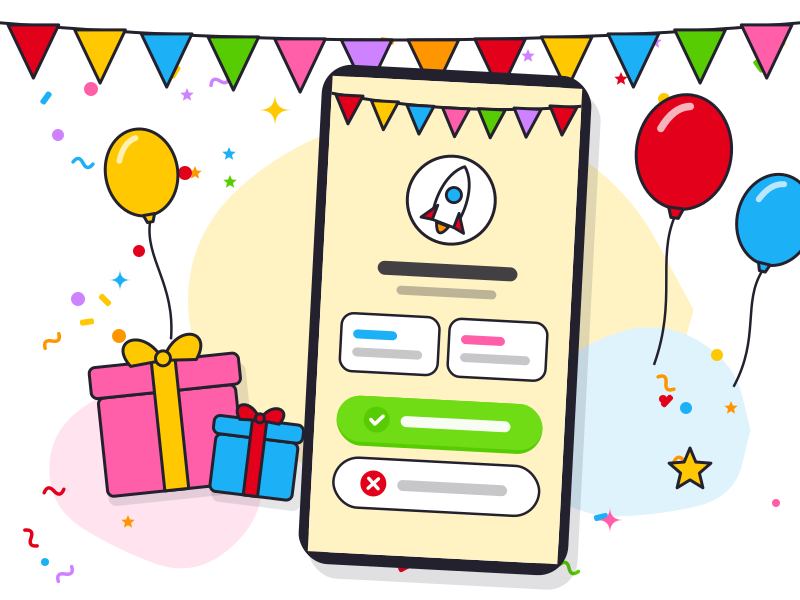
One link per friend. Parents reply in a few taps.
Per child you see if they’re coming and what they can’t eat. Only you see the guest list.
One good gift together, and a wishlist for those who’d rather choose themselves.
Friends send a sticker and you show them on the TV. Afterwards you make a thank-you card with a photo.
Parents reply with one tap, allergies included. You check the overview when it suits you — no messages back and forth.
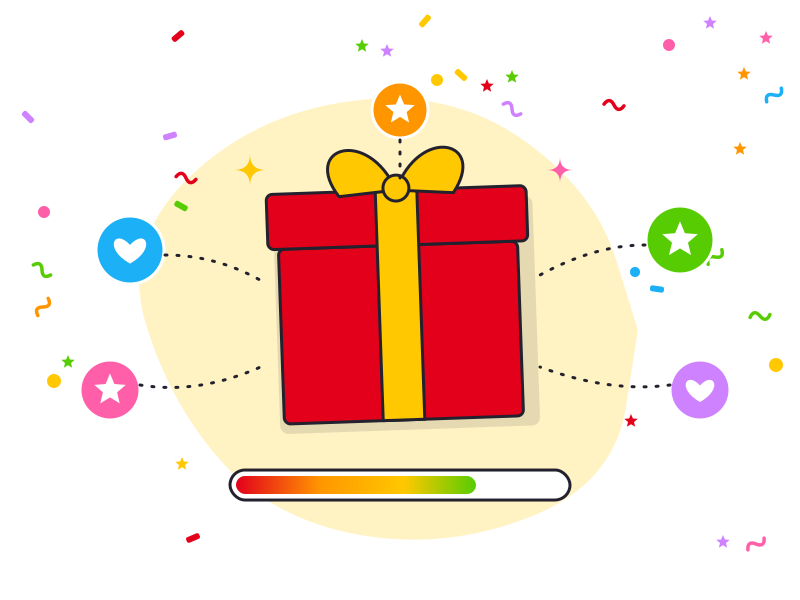
Rather one good present than ten small ones? Guests chip in through your own payment link. Feessie never touches the money.
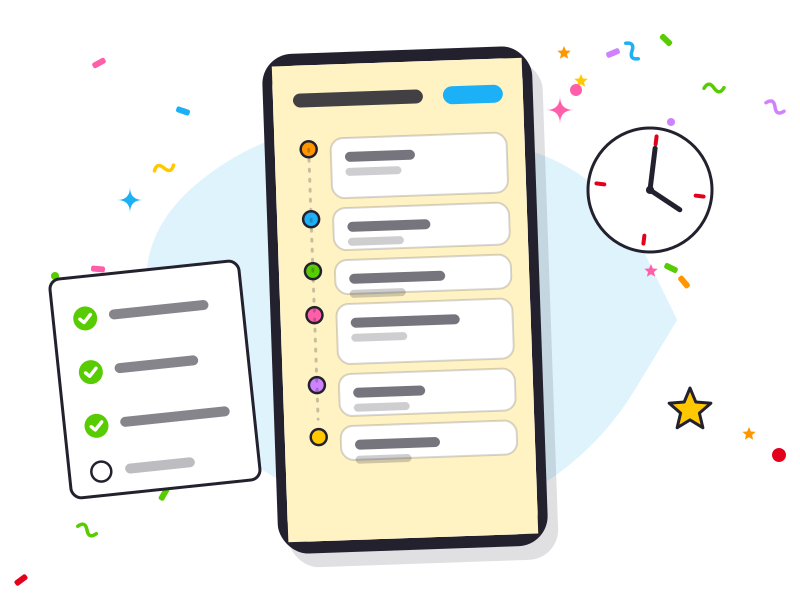
The day plan puts every part on the clock and shares out the tasks, so you know what is due when and your helpers know what to do. For kids’ parties.
Invites and replies
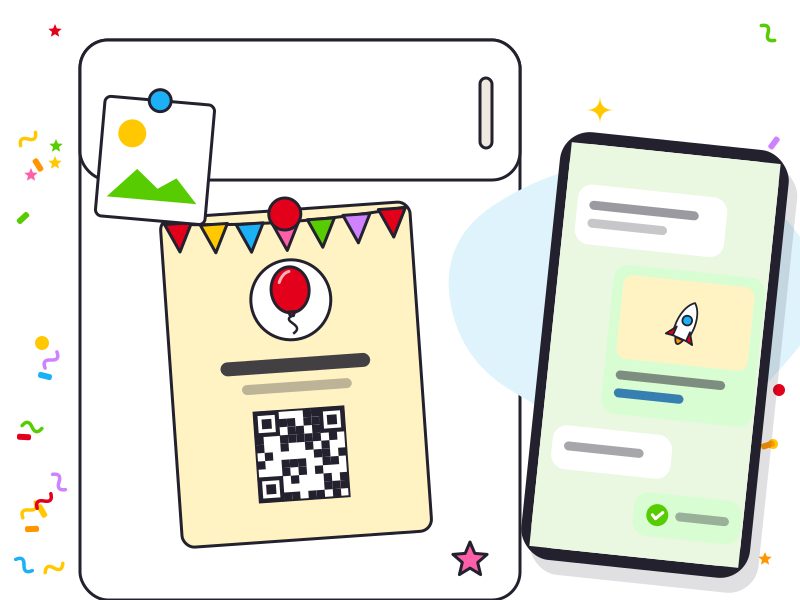
Pick a theme, add time and place, share one link. Parents say with one tap whether their child is coming, who’s dropping off, and what they can’t eat. You get an overview per child, with all dietary needs summed up.

At the party and after
Guests just send a sticker with a short message. At the party you can put them all on the TV, one by one, with the Stickershow — from a laptop or tablet, and you read the messages out loud. Afterwards you make a thank-you card with a photo and send it to your guests.
Feessie adapts to the age of the birthday child.

Number of children, drop-off and pick-up, allergies, a day plan and a sensible budget per child.

Their own themes, replies without fuss, and an open pot instead of one fixed present. The day plan is for kids’ parties only.
Yes. Feessie is free for the host and for every guest — there’s no subscription and no fee on the shared gift.
No. Guests open the invite link, answer with one tap, and can leave a sticker and a wish. No app to install.
Yes, for kids’ parties. You answer a few questions about the day and Feessie makes a plan on the clock with a checklist. You can share it with helpers and as a PDF. See feessie.app/kinderfeestje/draaiboek (in Dutch).
You add your own Tikkie or payment-request link to the shared gift. Guests pay through that link directly to you — Feessie never touches the money.
Yes. A wishlist stands on its own (see feessie.app/verlanglijst) and can be linked to a party later, or never.
Yes. The invite flow, allergy tracker and shared gift adapt to the age — for teens that’s often an open pot instead of one fixed amount. The day planner is for kids’ parties only.
Only need a wishlist, without a party? Read more about making one →
Free, and everything runs through one link.